2026 How to Choose the Best Office Workstations for Your Needs?
Choosing the right office workstations is crucial for any business. The workspace design greatly impacts employee productivity and comfort. In 2026, as remote and hybrid work environments grow, selecting suitable office workstations becomes even more important.
Various factors influence the decision-making process. You must consider the specific needs of your team. For instance, a collaborative team may require larger shared spaces. In contrast, a focus-oriented group might benefit from individual workstations that reduce distractions. Examine the layout and ergonomics of different options carefully.
The right office workstations should encourage productivity and well-being. However, many businesses overlook essential aspects, such as integrating technology or accommodating different work styles. A flawed approach may lead to dissatisfaction among employees and hinder performance. Reflect on your choices to ensure you create a workspace that supports your team's unique requirements.
Understanding the Importance of Choosing the Right Office Workstations
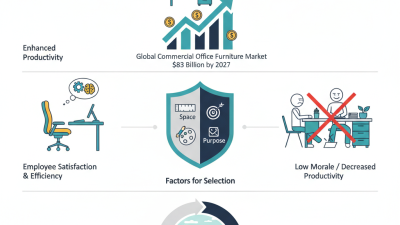
Choosing the right office workstation is crucial for overall productivity and employee well-being. A report by the World Economic Forum revealed that well-designed work environments could enhance productivity by up to 15%. This statistic underscores the importance of selection. A poorly chosen workstation can lead to discomfort, decreased focus, and even long-term health issues.
Consider the ergonomics of your workstation. Choosing a desk that accommodates your height prevents strain and helps maintain posture. Data from the Occupational Safety and Health Administration suggests that proper ergonomic setups can reduce musculoskeletal injuries by 50%. Incorporating ergonomic furniture is not merely a trend; it’s a necessary step toward creating a healthier workplace.
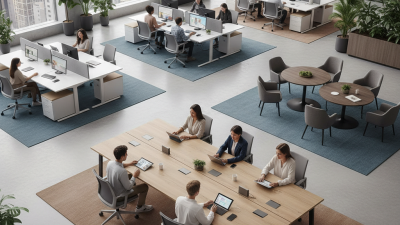
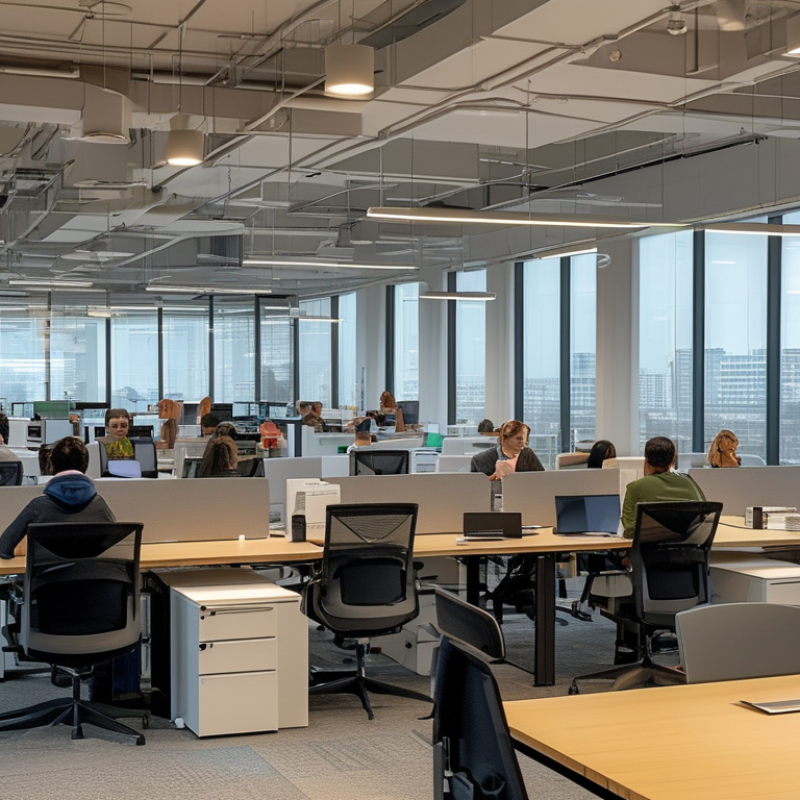
Evaluate your specific needs. Open floor plans may encourage collaboration but can be distracting for tasks requiring focus. Think about your team’s workflow and communication style when choosing workstations. Flexibility is essential. Options that allow for adjustable heights or modular designs can adapt to changing needs. An environment that accommodates various work preferences can lead to a happier, healthier workforce.
Assessing Your Work Environment and Its Unique Requirements
Choosing the right office workstation begins with understanding your work environment. Every workplace has unique needs shaped by the tasks employees perform. A recent report from the International Ergonomics Association indicates that up to 60% of workplace injuries stem from improper workstation setups. This data underscores the importance of assessing individual roles to create a safe and productive environment.
Consider factors such as desk height and chair adjustability. An ergonomic chair may benefit employees who sit for prolonged periods. Alternatively, height-adjustable desks can accommodate standing while working, promoting movement throughout the day. According to the Harvard Business Review, companies that prioritize ergonomic furniture report a 25% improvement in employee productivity. That's significant when scaling offices or adapting to remote working patterns.
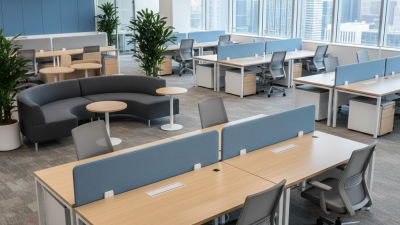
Space limitations also influence workstation choices. An open-plan office may require compact designs that promote collaboration without sacrificing comfort. Understanding the flow of the workspace is essential for maximizing efficiency. Remember that even the best furniture cannot compensate for a poorly designed environment. Regular assessments and adjustments can enhance both comfort and performance over time.
Evaluating Different Types of Workstations and Their Features
When evaluating office workstations, it's crucial to consider different types and their respective features. Ergonomic designs have been shown to improve productivity by up to 20%, according to studies from workplace wellness experts. These workstations offer adjustable heights and supportive seating, enabling users to maintain better posture throughout the day. Traditional desks can lead to discomfort and fatigue, highlighting the need for ergonomic solutions.
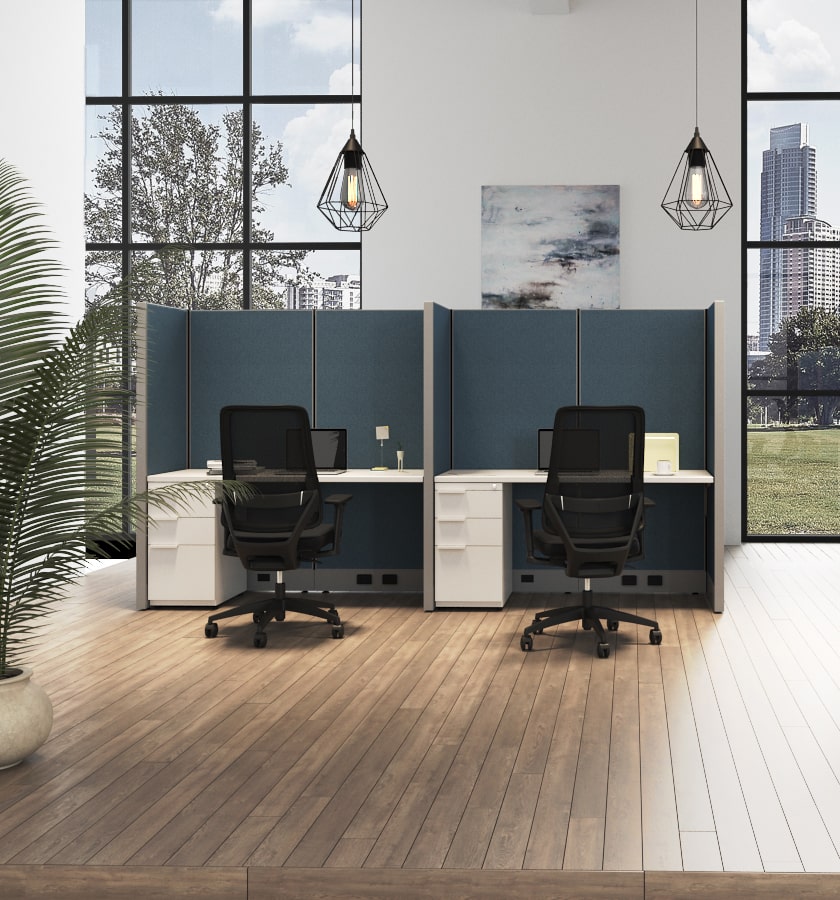
Understanding the workspace layout can also influence your choice. Open-office spaces benefit from collaborative workstations that enhance communication, while private offices might require focus-oriented setups. Customization options, such as modular components, can suit the diverse needs of individual employees. A report from the Global Workplace Analytics indicates that the right workstation solutions can reduce stress-related absences by 30%.
Consider integrating technology with your workstation. Features like cable management systems and built-in charging ports can enhance the user experience. However, not all setups accommodate personal preferences. Some employees might feel overwhelmed by technology-heavy designs. Assessing both comfort and practicality will help in selecting the ideal configuration.
Pay attention to the materials used in construction. Sustainable materials can contribute to a healthier environment. Improper ventilation or low-quality finishes may result in long-term health issues. Evaluating all aspects of a workstation helps ensure that it meets both functional and aesthetic needs.
Key Ergonomic Considerations for Office Workstation Selection
When selecting office workstations, ergonomic considerations are crucial for ensuring comfort and productivity. A well-designed workspace reduces the risk of physical strain and enhances overall well-being. Key factors to evaluate include desk height and chair support. A desk that can adjust to your standing or sitting posture encourages movement throughout the day.
Chair selection plays a significant role in promoting good posture. Look for features such as lumbar support and adjustable armrests. The right chair can prevent back pain and improve focus. Monitor placement should also be prioritized, with screens positioned at eye level to reduce neck strain.
Other details matter too. Consider keyboard and mouse placement for ease of use. They should be within easy reach to avoid awkward arm positions. Lighting and office layout can influence comfort and efficiency. A clutter-free workspace promotes better concentration but may require regular maintenance. Reflection on your needs is essential; sometimes, what seems perfect initially may fall short over time. Regular reassessment ensures your workspace continues to serve you well.
Budgeting and Cost Analysis for Office Workstation Purchases
When budgeting for office workstations, thorough analysis is key. Start by assessing the essential features you require. Do you need adjustable desks, ergonomic chairs, or advanced monitors? Each addition impacts the overall cost. Set a clear budget that aligns with your company’s financial condition. It's easy to overspend when tempted by high-end options.
Consider long-term costs. Quality workstations may have a higher upfront price, but they can reduce health-related absenteeism and boost productivity. Look at the lifespan of various components. Cheaper models might seem appealing, but frequent replacements can drain your budget over time.
Evaluate workspace size and number of employees. A smaller area might limit your choices. Do not forget about delivery and assembly fees. These can pile on extra costs. Reflecting on the potential trade-offs is crucial. Sometimes, less expensive options may meet your needs without sacrificing comfort or usability. Balancing cost and functionality is an intricate dance that requires careful planning.
2026 How to Choose the Best Office Workstations for Your Needs? - Budgeting and Cost Analysis for Office Workstation Purchases
| Workstation Type |
Cost Range ($) |
Key Features |
Ideal Use Case |
Durability Rating (1-5) |
| Basic Workstation |
300 - 600 |
Standard Desk, Basic Chair |
General Office Tasks |
3 |
| Ergonomic Workstation |
600 - 1200 |
Adjustable Chair, Sit-Stand Desk |
Health-Conscious Workers |
4 |
| Gaming Workstation |
800 - 2000 |
High-Performance Specs, Gaming Chair |
Gaming or Graphic Design |
5 |
| Collaborative Workstation |
700 - 1500 |
Modular Desks, Shared Resources |
Team-Based Projects |
4 |
| Luxury Executive Workstation |
2000 - 5000+ |
Premium Materials, Custom Design |
Executive Offices |
5 |